Introduction
Creating an account on 9to.in is the first step to managing, tracking, and optimizing your links. Whether you're a marketer, agency, or creator, 9to helps you create branded short links, analyze performance, and improve conversions.
Follow this simple guide to get started.
Step 1: Open the Signup Page
Go to the 9to.in website and click on Create Account.
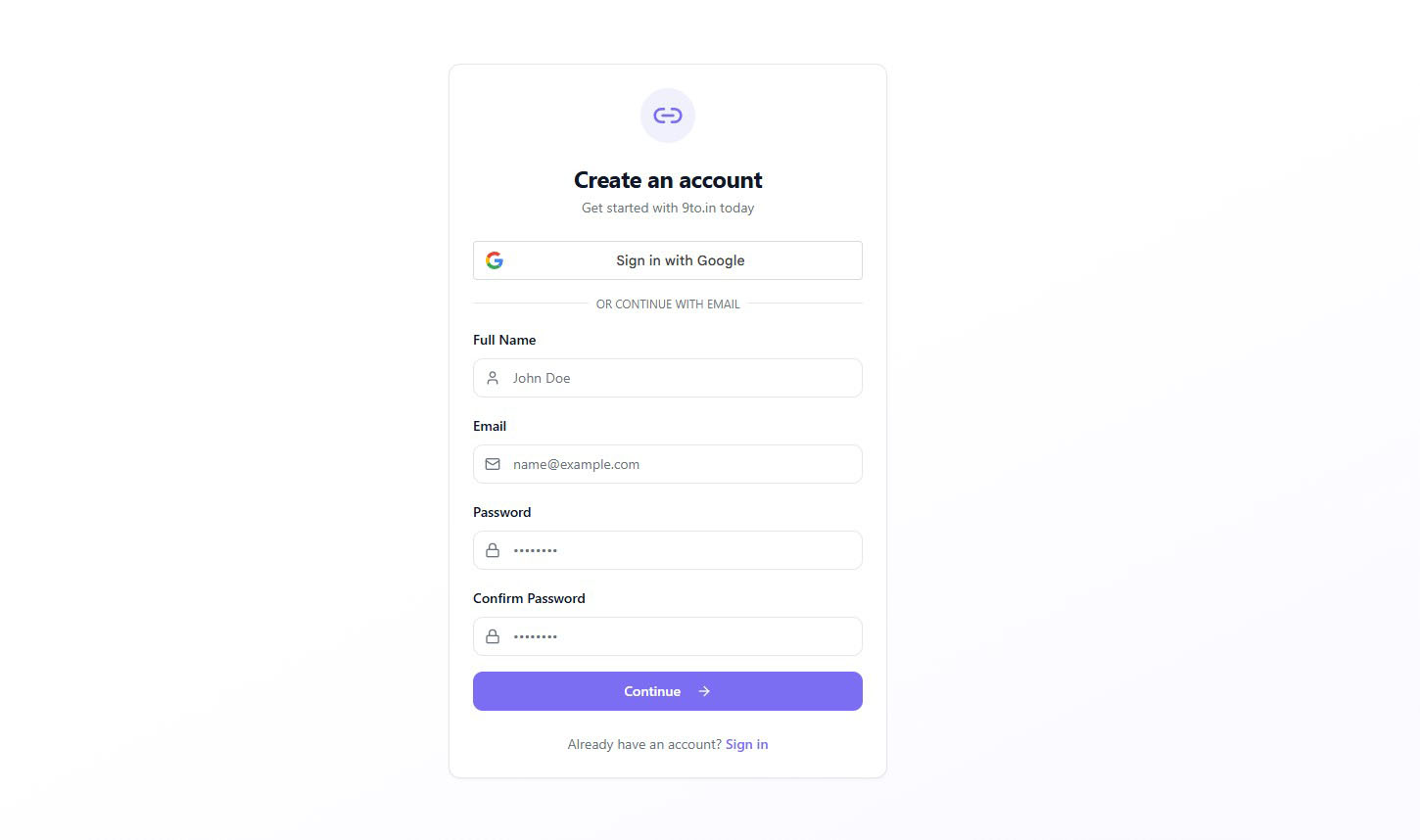
You will see a signup screen like this:
Step 2: Sign Up Using Google (Optional)
You can quickly create your account by clicking on:
👉 “Sign in with Google”
This allows you to:
Skip manual form filling
Instantly create your account
Log in securely
Step 3: Fill in Your Details
If you prefer email signup, enter the following details:
Full Name – Your name or business name
Email Address – A valid email for login and communication
Password – Choose a strong password
Confirm Password – Re-enter your password
Make sure your password is secure and easy for you to remember.
Step 4: Click on Continue
After filling in all details, click on:
👉 “Continue”
Your account will be created instantly.
Step 5: Login to Your Account
Once your account is created, you can log in using your credentials.
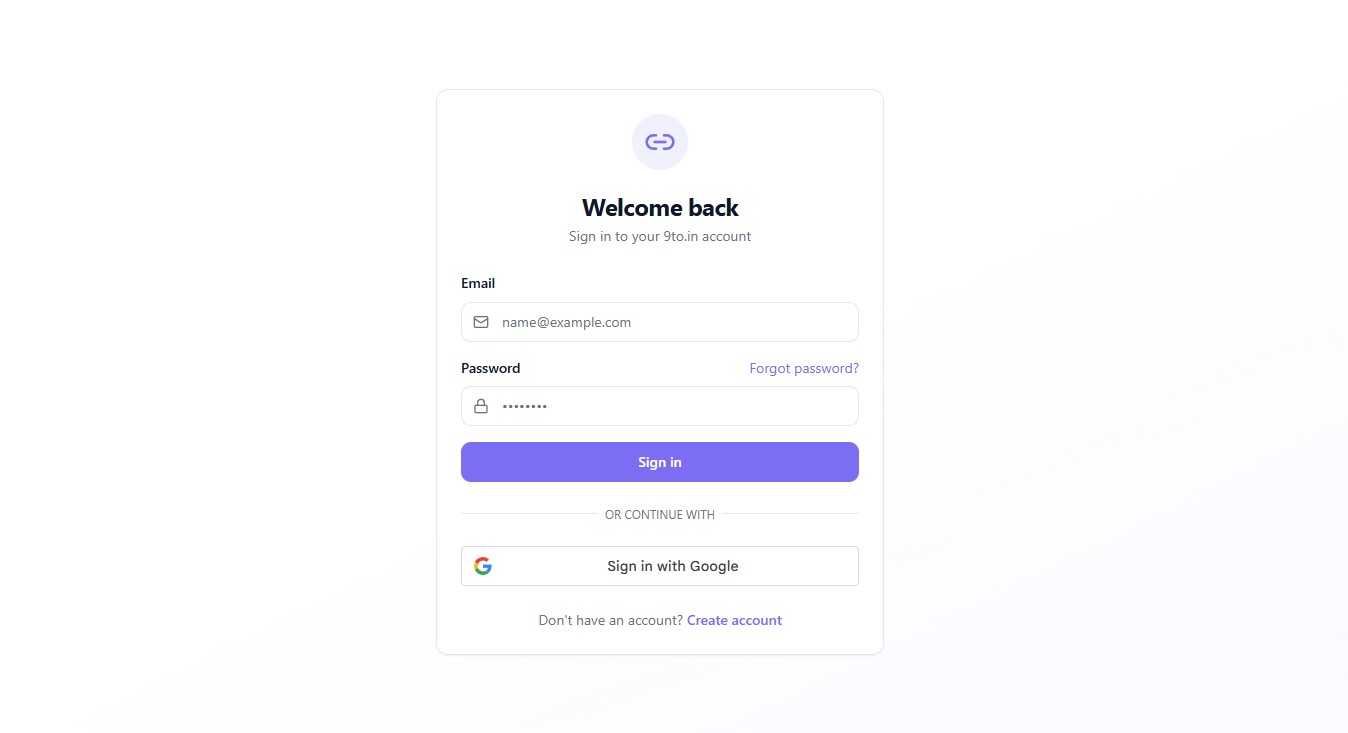
You will see a login screen like this:
Enter:
Your Email
Your Password
Then click Sign in.
Step 6: Forgot Password (If Needed)
If you forget your password, click on:
👉 “Forgot password?”
Follow the instructions to reset your password securely.
What’s Next?
After logging in, you can start using 9to features:
🔗 Create short and branded links
📊 Track clicks and analytics
🎯 Set targeting rules (geo, device)
📱 Generate QR codes
👥 Manage teams and workspaces
Pro Tips
Use your business email for better team collaboration
Set a strong password to keep your account secure
Explore the dashboard after login to understand all features
Conclusion
Creating an account on 9to.in is quick and easy. In just a few steps, you can start managing links, tracking performance, and improving your marketing campaigns.